RetroArch Nano is RetroArch built to run directly on GammaOS instead of as an Android app. It plays every system that uses a RetroArch core, starts faster, draws straight to the screens, and adds the GammaOS in-game menu and a touch screen page on dual screen devices.
Turning it on or off
Settings > Game Settings > RetroArch chooses which RetroArch runs games with a RetroArch core:
| Choice | What it does |
|---|---|
| RetroArch Nano (default) | Runs RetroArch Nano |
| RetroArch App | Runs the installed RetroArch app instead |
Both use the same cores, settings, saves and states, so you can switch back and forth. The choice applies from the next game you start.
The in-game menu
| Input | Action |
|---|---|
| Short press of Back | Open the menu, or close it from any page. It opens again on the page and row you left. |
| Hold Back | Leave the game |
| B | Up one level in the menu |
| Guide | Opens the menu on devices that have no Back key |
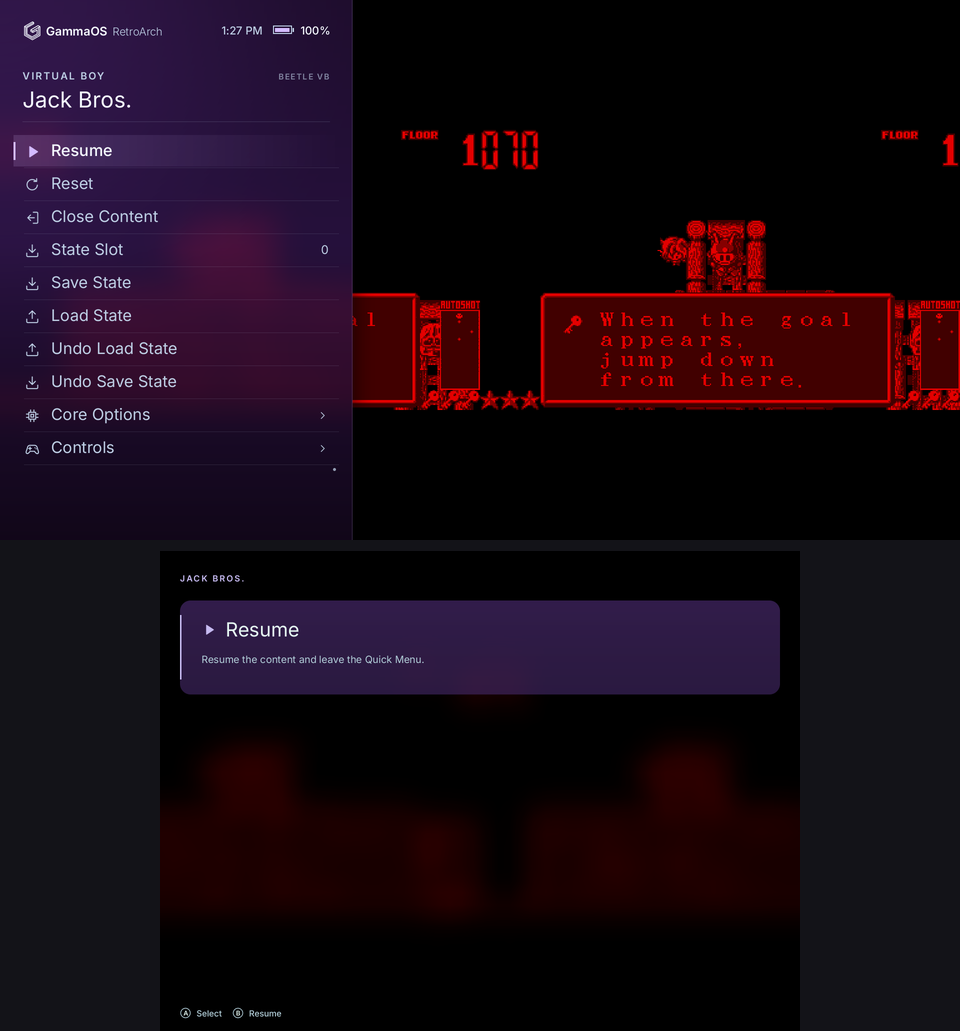
The menu opens as a drawer over the game. Its top page is RetroArch's Quick Menu, with Menu Colour and Advanced (RetroArch's full main menu) at the end. The header names the console, the core and the game. Shaders and their parameters are under Quick Menu > Shaders.
The bottom screen
On dual screen devices, the other screen shows a companion page while the menu is open: a description of the selected row, pictures of your save state slots, and hints you can tap.
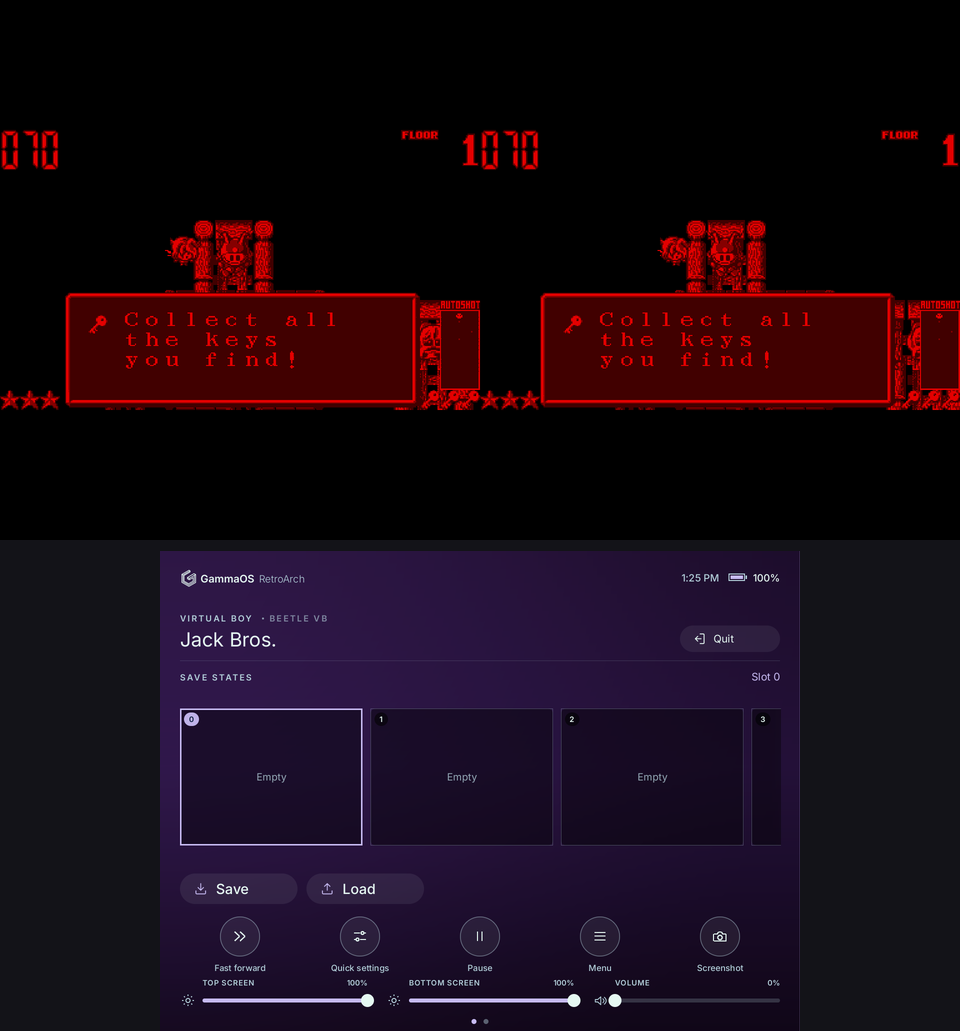
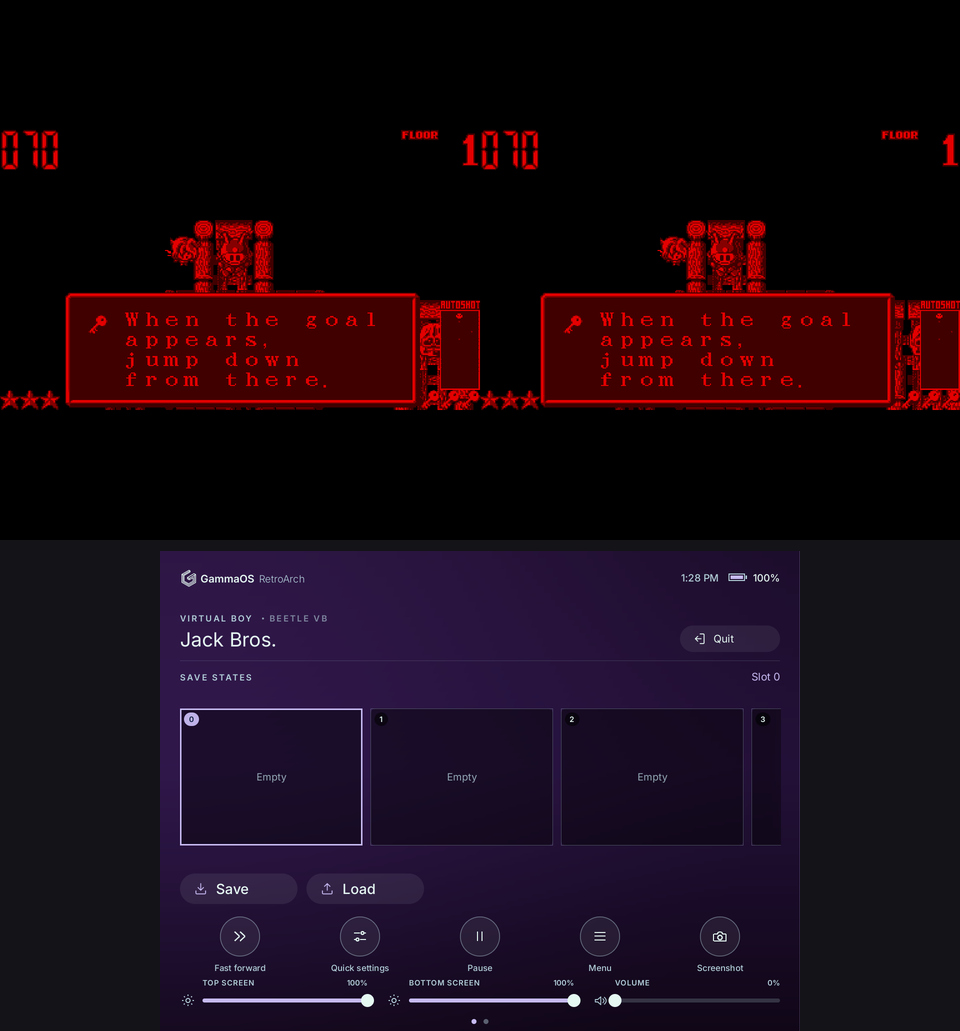
During play, the other screen has a control centre: brightness for both screens, volume, a strip of save state slots with Save and Load, and round keys for Fast forward, Quick settings, Pause, Menu and Screenshot. A second page has Slow motion, Performance, Mute, Shader, Sleep screen, Screen timeout, Double tap to wake and Reset game. Reset and Quit need two taps.
RetroAchievements and the Online Updater
RetroAchievements and the Online Updater are RetroArch's own and work as they do in RetroArch. RetroAchievements starts in softcore unless your RetroArch settings already turn hardcore on. Files from the Online Updater go to the RetroArch app's folders, so the app can use them too.
Good to know
- Threaded Video is off by default in RetroArch Nano, which lowers input lag. It is kept in RetroArch Nano's own settings and never changes the app's.
- Quick Resume works with RetroArch Nano.
- RetroArch Nano can start a game before Android has finished starting, so a game picked straight after power on starts sooner.