GammaOS updates in two ways: a full system update, and component updates, which bring a new version of the home or one of the GammaOS emulators without a system update.
System Update
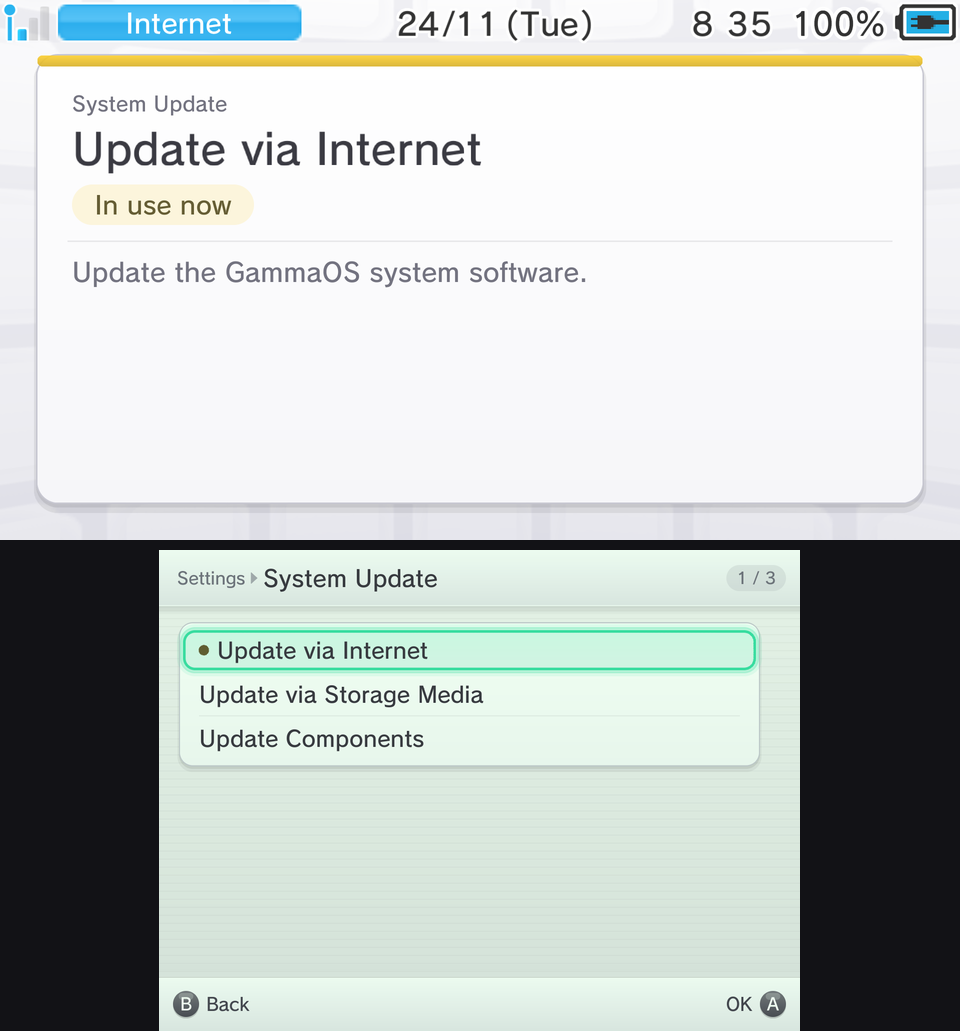
Settings > System Update asks how to update:
| Choice | What it does |
|---|---|
| Update via Internet | Downloads and installs the latest GammaOS system software |
| Update via Storage Media | Installs an update file you copied to the device |
| Update Components | Updates single GammaOS programs (below) |
Every write of a system update is checked, and an update that cannot finish stops with an error rather than leaving a device that does not start. The device and screen stay awake while an update downloads.
Update Components
Update Components lists the GammaOS programs that can be updated on their own:
| Component | What it is |
|---|---|
| gammaos-nano | The home |
| azahar-nano | The 3DS emulator |
| melonds-nano | The DS emulator based on melonDS |
| drastic-nano | DraStic Nano |
| retroarch-nano | RetroArch Nano |
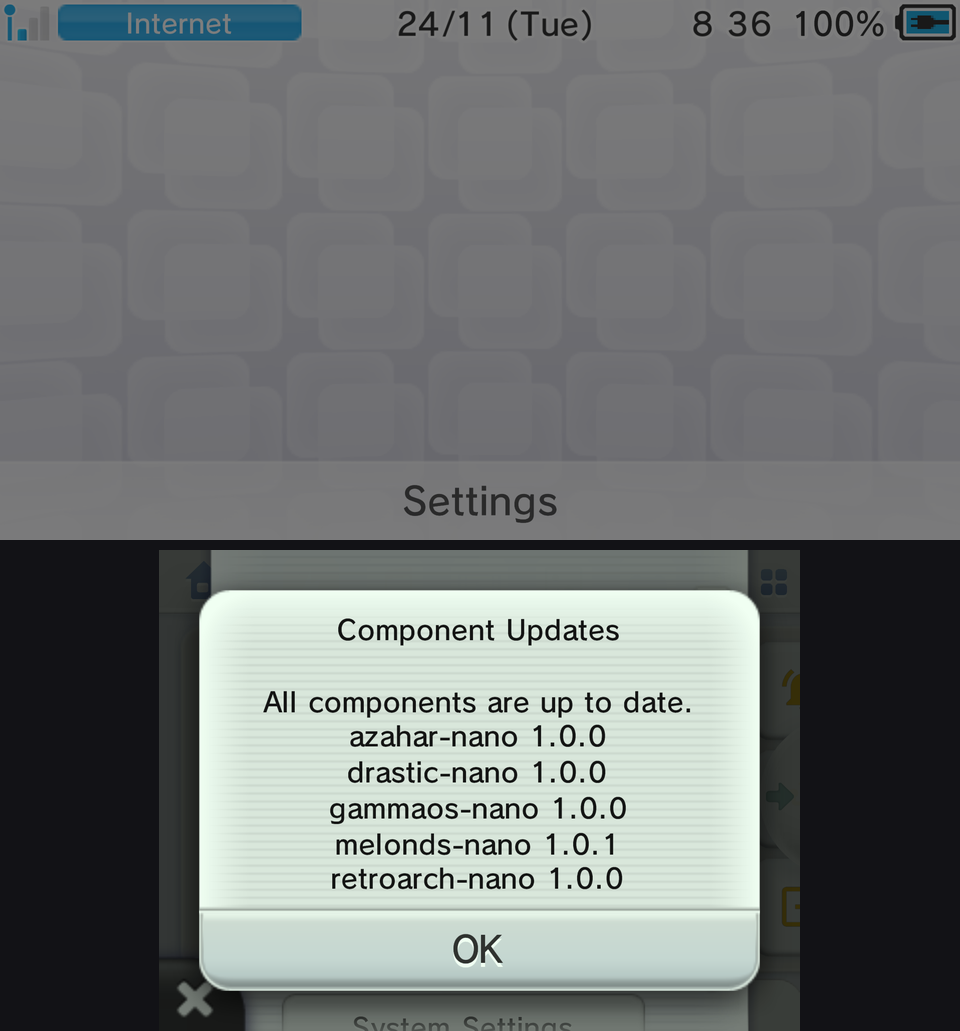
It checks for updates first. If everything is current it says "All components are up to date." and lists the installed versions.
When updates are offered:
- Install All appears when there is more than one.
- Each update shows its old and new version, its size and what changed, then asks Install this update?
- An emulator update is used from the next time you start a game.
- An update to the home needs a restart: you are asked whether to restart now or later.
- Remove takes a component back to the version that came with your system software.
Component updates can also be installed offline: a .gmod file copied to the root of internal storage or to the Download folder shows up under Update via Storage Media.
Safety
- A component that stops the device from starting three times in a row is switched off, and the version from the system software is used again. A home update that cannot start is switched off at once, and the list tells you.
- A full system update replaces any older component versions.
- Without a connection, the list still shows what is installed, with a "No connection to the update server." notice.