Welcome to the GammaOS wiki. It covers installing GammaOS on each supported handheld, and is your friendly, complete guide to getting the most out of it: launching games, running emulators, playing your music and videos, browsing network shares, and tuning every setting to taste.
Not installed yet? Start with Installing GammaOS. New here? Continue with Getting Started. Updating from an earlier version? See What's New in 1.5.0. Then explore whatever catches your eye. Every page cross-links to the ones next to it, so you can wander freely.
Five themes, one interface
GammaOS Nano ships with five switchable home themes. Pick the one you love in Settings > Theme Settings > Home Theme, and switch any time you feel like a change.
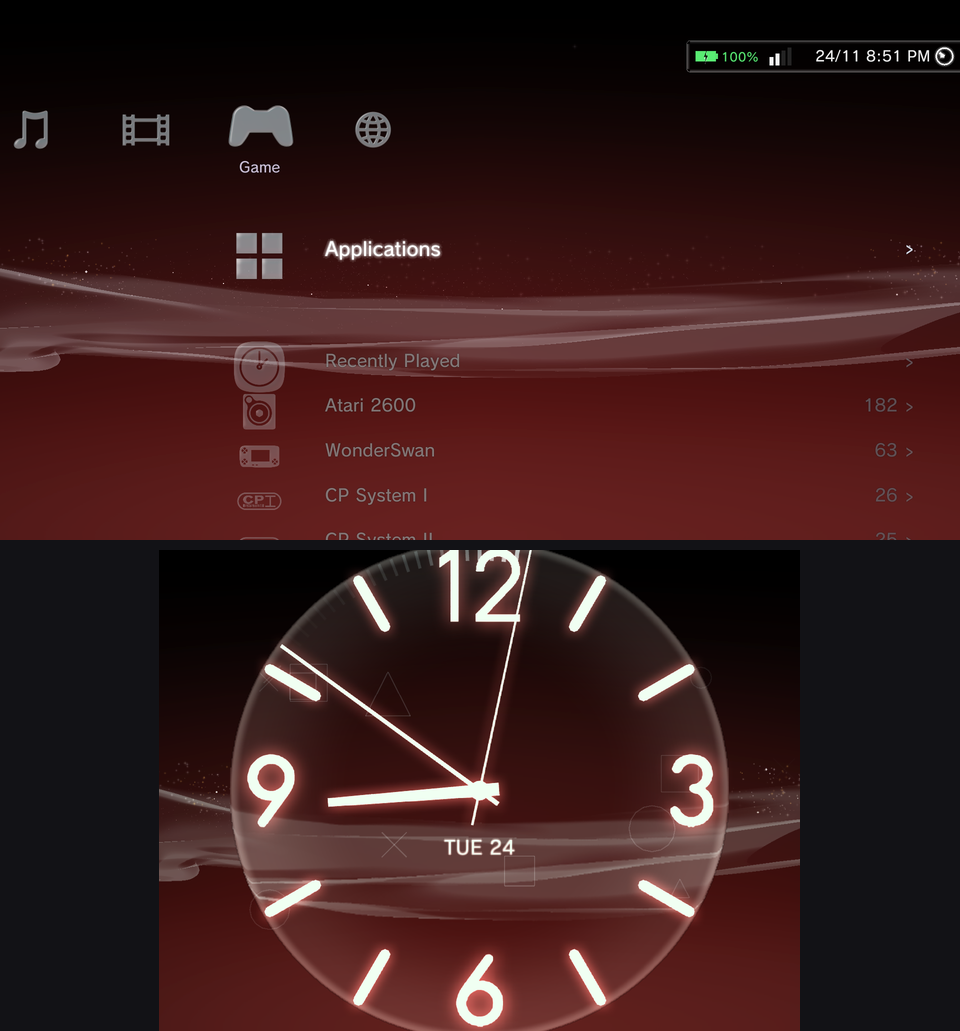
PlayStation 3 style
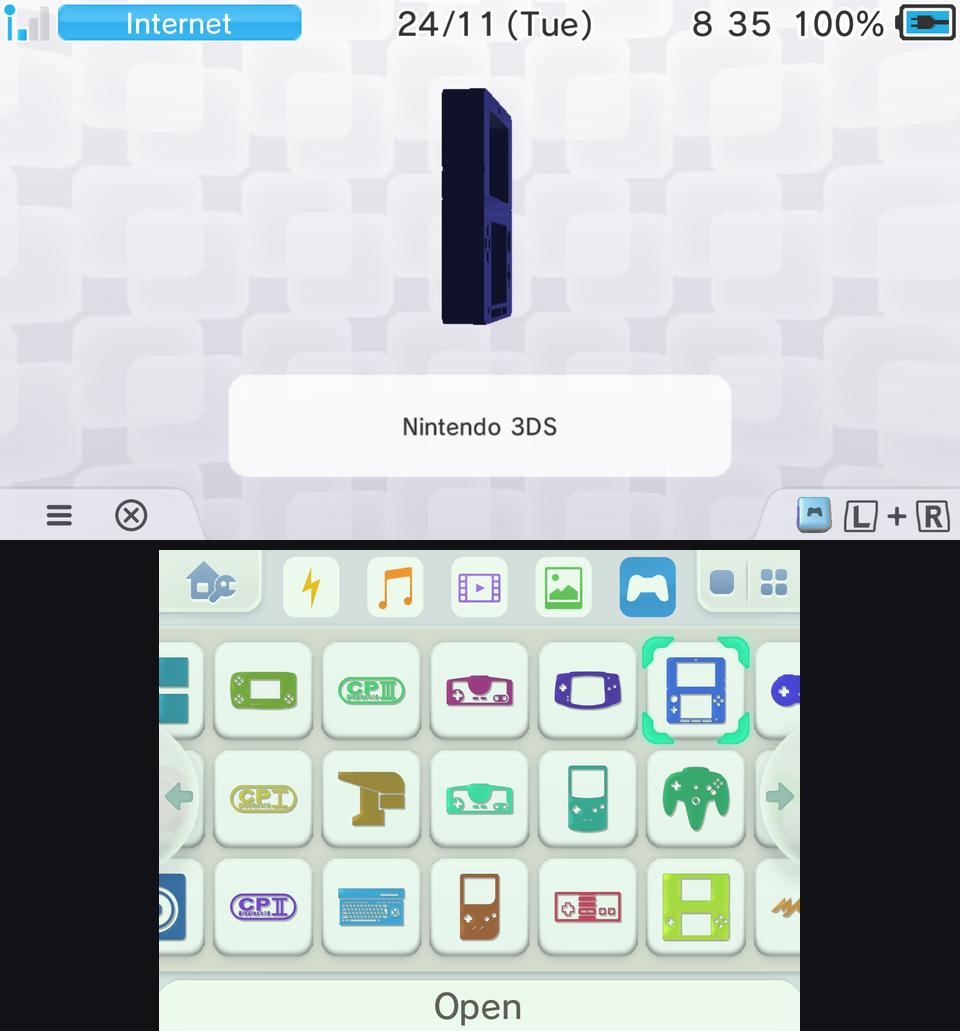
Nintendo 3DS style
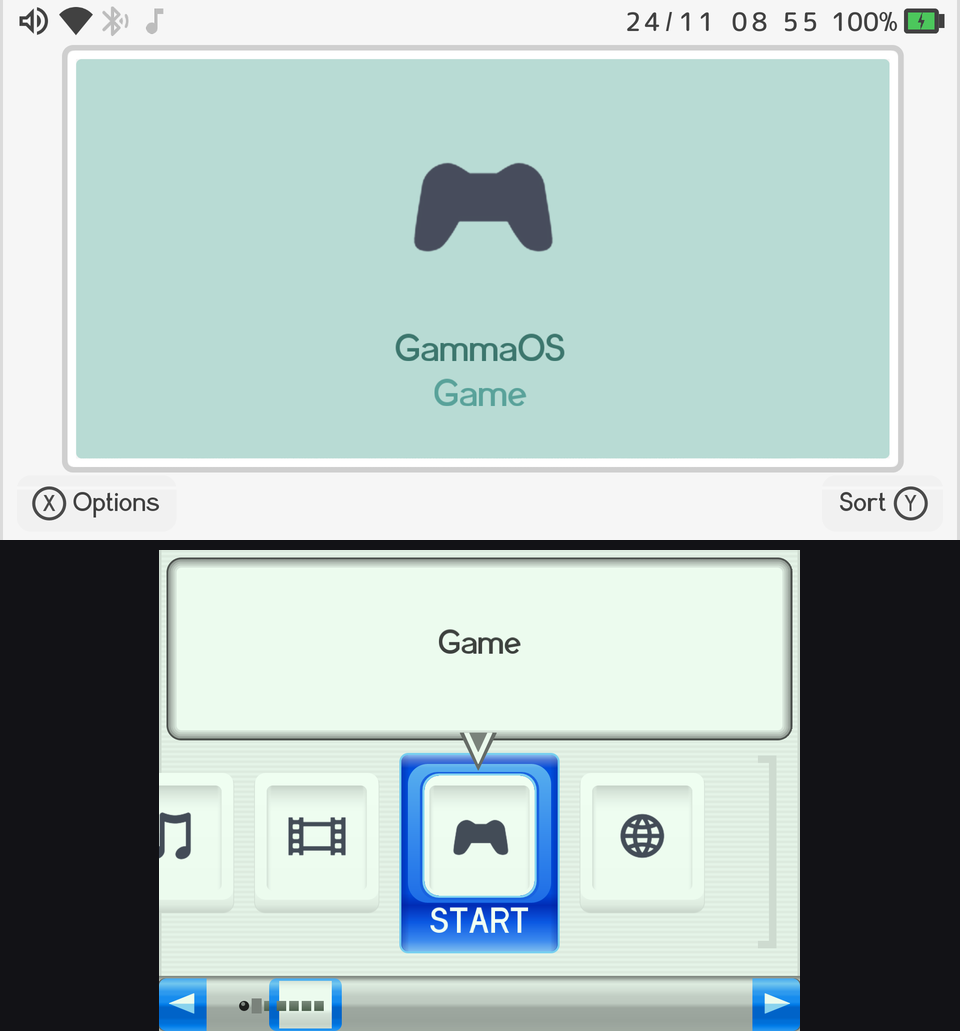
Nintendo DSi style
Minima and Custom / ES-DE complete the set. Want the full tour? Head to Home Themes.
What you can do
- Launch games from every system through RetroArch Nano, RetroArch cores or standalone emulator apps.
- Play Nintendo 3DS games with azahar-nano, and DS games with melonds-nano or DraStic Nano, all built in.
- Enjoy your media: music with visualizers and internet radio, a full-screen photo viewer, and a video player with multi audio track and subtitle support.
- Browse network shares over SMB, NFS, WebDAV, and FTP, right alongside your local files.
- Group games into collections, scrape boxart, and sort huge libraries with ease.
- Tune everything from RGB lighting to speaker EQ in the deep Settings tree and GammaOS Toolbox.
Ready to set up your handheld? Getting Started walks you through it.